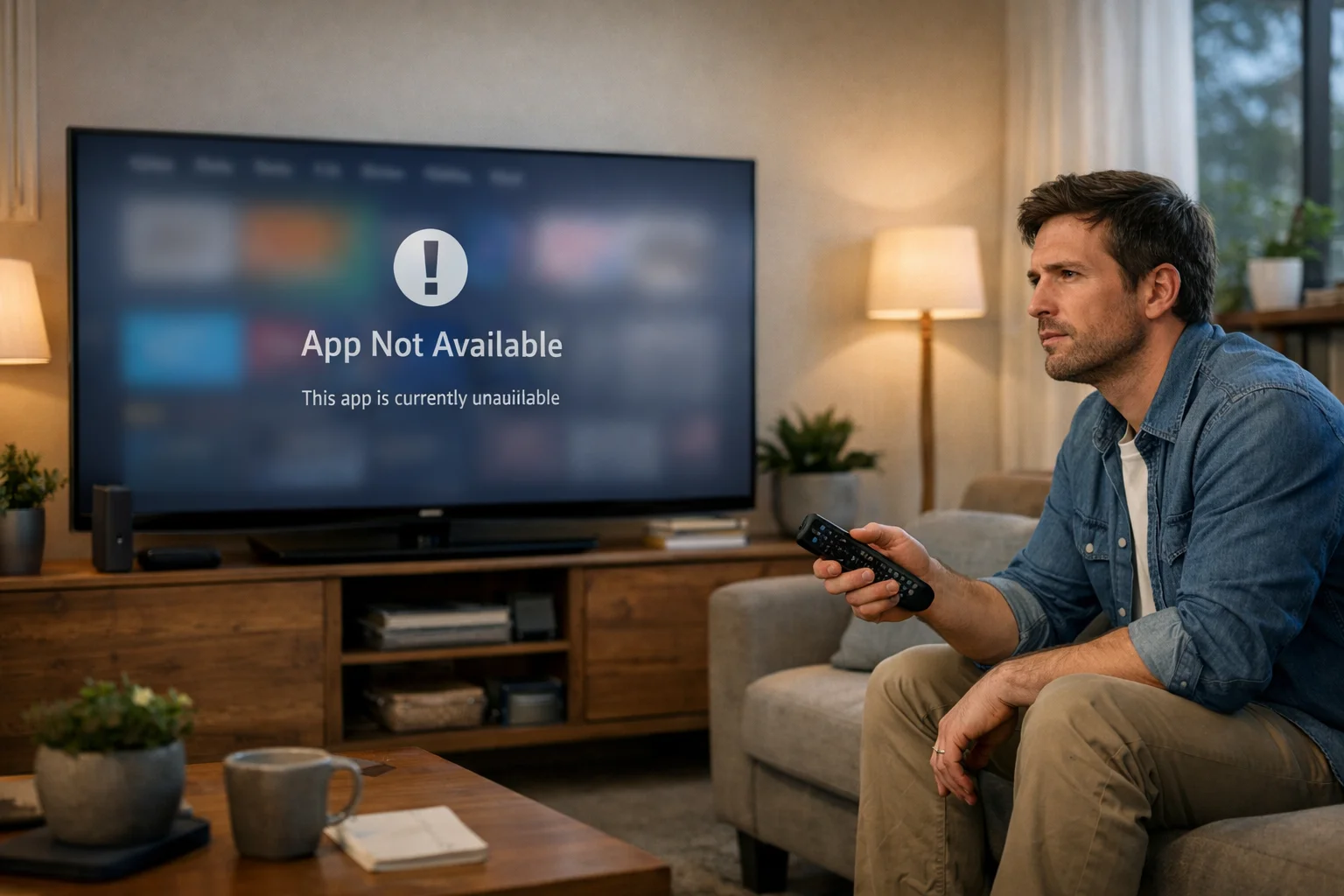
If you have noticed that the Downloader app has disappeared from your Fire TV Stick or Fire TV device, the short answer is that Amazon temporarily suspended it after a recent update caused the app to identify itself as a web browser.
Amazon does not allow third-party browser apps on Fire TV devices, so the change triggered an automatic policy issue rather than a permanent ban.
The good news is that the official app has not been shut down for good, and a corrected version has already been submitted.
Key points you need to know:
- The Downloader app was suspended after version 2.0 registered itself as a browser
- Amazon allows apps with built-in browsers, but not apps that officially identify as browsers
- Existing installations should continue to work if you already have the app
- You should not delete the app from your Fire TV
- A fake copycat app appeared during the suspension and may charge weekly fees
- The official Downloader app is expected to return through the Amazon Appstore soon
What Exactly Happened to the Downloader App on Fire TV?
Users first noticed the issue when Downloader suddenly disappeared from the Amazon Appstore over a weekend. People searching for the app on Fire TV Sticks could no longer find it, even though it had previously been one of the most popular tools for installing apps outside Amazon’s official store.
Downloader has long been used by Fire TV owners to enter website addresses, download APK files and sideload apps that are not listed in the Appstore. Because of that, many people initially worried that Amazon had started blocking sideloading completely.
That is not what happened. Instead, the problem started after Downloader version 2.0 introduced a new feature that allowed other apps to open links directly through Downloader. To make that possible, the app registered itself as a browser.
Amazon initially approved the update, but later reversed that decision and suspended the app.
That left many users confused because:
- The app had worked without issue for years
- Amazon had already approved the update once
- The suspension happened without a warning message
- Existing users feared they would lose access permanently
One Fire TV user summed up the confusion perfectly:
“I searched for Downloader and thought my Fire Stick was broken. Then I realised the app had vanished completely. Nobody seemed to know if it was gone forever or just temporarily unavailable.”
Why Did Amazon Classify Downloader as a Browser?
Although the Downloader app has always included a built-in web browser, Amazon did not previously treat it as a browser app. The suspension happened because of a technical change introduced in version 2.0.
What Changed in Downloader Version 2.0?
The biggest change in Downloader version 2.0 was that the app officially declared itself as a browser to the Android operating system. This meant other apps on the Fire TV device could send website links directly to Downloader.
For example, if another app needed to open a web address, Downloader could now appear as one of the available options.
That might sound minor, but it changed how the app was categorised internally. According to the developer, the new feature was designed to make Downloader more useful and more convenient. It was not intended to bypass Amazon’s rules.
The change introduced several new abilities:
- Downloader could open web links sent by other apps
- The app could appear alongside browsers such as Silk
- Fire TV users without another browser installed could still open links
Amazon approved the update at first, even though the release notes clearly explained the change. However, the company later decided that the browser registration feature broke its policy.
The developer, Elias Saba, explained the issue in a statement:
“Since Downloader on Fire TVs has had a built-in browser for over nine years, I suspect the issue is not the browser itself, but that the app now registers itself as a browser. I have submitted an updated version that removes that behaviour.”
That corrected version became Downloader 2.0.2.
Why Does Amazon Restrict Third-Party Browser Apps?
Amazon limits third-party browser apps because it wants tighter control over the experience on Fire TV and Fire Tablet devices. The company already offers its own browser, Silk, and appears to prefer that users rely on Amazon’s own software.
There are several reasons why Amazon may take this approach:
- It keeps the Fire TV experience simpler and more consistent
- Amazon can control security and privacy standards
- The company reduces the risk of unsupported browser apps causing problems
- It helps Amazon direct users towards its own services and ecosystem
Amazon’s official policy states that third-party browser apps are not permitted on Fire TV or Fire Tablets. However, apps that merely include a small browser component inside them have historically been allowed.
That distinction is important. Downloader was not removed because it had a browser built into it. It was removed because it began presenting itself to the operating system as a complete browser app.
Many users believe the rule is confusing because Downloader had been working in almost exactly the same way for years. The only real difference was how the app identified itself in the background.
Why Was Downloader Allowed Before but Blocked Now?
Downloader was allowed before because it operated as a utility app with a built-in browser hidden inside it. Until version 2.0, Fire TV did not see Downloader as a browser.
Once the new update was released, that changed. The app suddenly began appearing to the operating system as a web browser, even though the visible experience for users remained almost identical. That technical difference was enough for Amazon to suspend it.
The timeline appears to have worked like this:
- Downloader version 2.0 launched
- The update registered Downloader as a browser
- Amazon initially approved the update
- Amazon later noticed the browser registration feature
- The app was temporarily suspended
- A revised version, 2.0.2, was submitted without the browser registration
Another Fire TV owner described the situation this way:
“Nothing looked different when I used Downloader. It still opened websites and APK files exactly like before. That is why the suspension caught so many people off guard.”
The corrected version keeps all the familiar features but removes the one technical setting that caused the problem. That means users should still be able to browse websites, enter short codes and download apps in the same way as before.
Is the Downloader App Permanently Removed from Amazon?
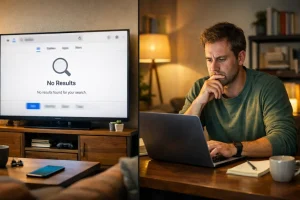
No, the Downloader app does not appear to have been permanently removed. The suspension was temporary, and the developer quickly submitted an updated version to Amazon that removes the browser registration feature. Early reports suggest that Amazon has already started restoring the app to the Appstore for Fire TV devices and Fire Tablets.
That means if you search again in the coming days, you should eventually see the official version return. The updated release is version 2.0.2, and it is almost identical to the previous version apart from the technical browser settings.
All of the usual functions remain available, including:
- Downloading APK files
- Entering short codes
- Opening websites
- Installing apps not listed in the Appstore
The key difference is that Downloader no longer identifies itself as a browser inside the operating system. That change appears to satisfy Amazon’s policy requirements.
What Should You Do If Downloader Is Already Installed on Your Fire TV?
If you already have Downloader installed on your Fire TV Stick, the best thing you can do is leave it exactly where it is. You do not need to uninstall it, and in fact you should avoid deleting it until the official version returns fully to the App Store.
Existing copies are still expected to work normally. If you remove the app now, you may not be able to reinstall it straight away.
There are also a few steps worth taking to protect the app from being removed automatically:
- Go to Settings
- Open Applications
- Look for the Auto Offload setting
- Turn Auto Offload off
That feature can automatically uninstall apps that have not been used recently in order to save storage space. If Downloader is removed while it is unavailable from the App Store, you could temporarily lose access to it.
You should also:
- Avoid installing the Downloader from unofficial websites
- Wait for the official App Store version if you need to reinstall it
- Check that your app says it is made by AFTVnews
- Update to version 2.0.2 once it becomes available
Downloader should continue functioning for most users who already had it installed before the suspension.
What Scam App Are Fire TV Users Being Warned About?
As soon as the real Downloader app disappeared, a fake app appeared in its place. The copycat app used a very similar name and was designed to trick confused users into downloading the wrong software.
The fake app reportedly appeared under the name “Downloader for Fire, Browser”. According to reports, the app is not linked to the real Downloader developer and may charge users around $6.99 per week after installation.
That has raised concerns that some Fire TV owners could accidentally sign up for a costly subscription. The warning is especially important because many users were rushing to find an alternative after the official app vanished.
Elias Saba warned users directly:
“Do not install the app named Downloader for Fire, Browser. That app is a scam that tricks you into paying every week. Please report it if you see it.”
The fake app does not provide the same features as the official Downloader app and should be avoided.
How Can You Tell the Difference Between the Real Downloader App and the Fake One?
With several similarly named apps appearing during the suspension, it is important to know how to identify the genuine Downloader app.
What Is the Official Downloader App Called?
The real app is simply called Downloader. It is developed by AFTVnews and created by Elias Saba.
When you search in the Amazon Appstore, the genuine app should display:
- The name “Downloader”
- The developer name is AFTVnews
- The familiar orange logo with a downward arrow
Downloader has been available for years and is trusted by millions of Fire TV users.
You should be cautious if you see extra words added to the title, such as:
- Downloader for Fire
- Downloader Browser
- Downloader Plus
- Fire Downloader Browser
Those are not the official names. The genuine app is also free. You should never be asked to pay a weekly subscription to install it.
Which Warning Signs Suggest an App May Be Fake?
Fake apps often try to look convincing, especially when a popular app disappears unexpectedly. The copycat Downloader app used a similar name to make people believe it was the official replacement.
There are several warning signs that can help you spot a fake app:
- The app asks for a payment before you can use it
- It mentions a weekly subscription
- The developer name is not AFTVnews
- The logo looks slightly different
- The description contains spelling mistakes or unusual wording
- The app suddenly appears after the official version disappears
If an app says it costs £5 or £6 every week, that is an immediate warning sign. The real Downloader app has always been free. You should also read the developer information carefully. Many users focus only on the app title and ignore the smaller text underneath.
One user who nearly downloaded the fake version later said:
“The app looked almost identical at first glance. The only reason I stopped was because it wanted payment details before installation. That immediately felt suspicious.”
Taking a few extra seconds to check the app name and developer can save you money and frustration.
What Should You Do If You Installed the Scam App?
If you accidentally installed the fake Downloader app, do not panic. The most important thing is to remove it quickly and check whether you have been charged.
You should:
- Uninstall the app immediately
- Open your Amazon subscriptions or payment settings
- Look for any active weekly charge
- Cancel the subscription if one exists
- Report the app to Amazon as misleading or fraudulent
If you entered card details, it may also be worth checking your recent transactions.
Most users should not need to reset their Fire TV device completely. Removing the app and cancelling any payment should usually solve the problem. After that, wait for the official Downloader app to return to the Amazon Appstore instead of searching for alternatives elsewhere.
What Does This Mean for Sideloading Apps on Amazon Fire TV?
The Downloader suspension does not mean Amazon has banned sideloading altogether. You can still sideload apps onto most Fire TV devices by enabling developer settings and allowing installations from unknown sources. The problem only affected Downloader because of the browser registration feature.
That means:
- Fire TV developer options still exist
- Unknown Sources settings still work
- APK installation is still possible
- Downloader should continue to support sideloading once restored
However, the situation does show that Amazon is becoming stricter about certain types of apps and how they work on Fire TV devices.
Amazon has recently increased its focus on blocking piracy-related software and limiting apps that bypass its own system. Legitimate tools such as Downloader remain allowed, provided they follow Amazon’s technical rules.
How Has Amazon Responded to the Downloader Suspension?
Amazon has not issued a lengthy public statement about Downloader specifically, but the company has confirmed that it restricts third-party browser apps on Fire TV and Fire Tablet devices.
That appears to be the reason Downloader was suspended. Some users have criticised Amazon because the company initially approved version 2.0 before later removing it. That created confusion for both users and the developer.
At the same time, Amazon seems willing to restore the app once the technical issue is fixed. The revised version 2.0.2 was submitted almost immediately, and reports indicate it is now returning to the Appstore.
Amazon’s response suggests:
- The company is enforcing existing rules more strictly
- It is not trying to ban Downloader completely
- Apps that remove browser registration may still be approved
- Amazon wants to maintain tighter control over Fire TV software
Overall, Amazon appears to see this as a policy matter rather than a major security issue. The company’s actions suggest it wants Downloader available, but only in a form that complies with its rules.
What Should Fire TV Users Do Next If Downloader Disappears Again?
If Downloader disappears again in the future, the best approach is to stay calm and wait for confirmation from official sources. Do not immediately download the first similarly named app you see. That is exactly how many people end up installing copycat or scam software.
Instead, you should:
- Check updates from AFTVnews
- Search for official information from the developer
- Wait for the app to return to the Amazon Appstore
- Avoid downloading APK files from unknown websites
- Keep your existing version installed if you already have it
You may also want to save the current app on your device and disable Auto Offload permanently.
The Downloader suspension was temporary and linked to a very specific technical issue. It was not a sign that Amazon plans to remove all sideloading tools from Fire TV.
As long as you stick to the official version and avoid suspicious alternatives, you should be able to continue using Downloader safely in the future.
Conclusion
The Downloader app suspended Amazon issue turned out to be less serious than many Fire TV users first feared. Amazon did not remove Downloader because of sideloading itself. Instead, the problem was caused by a technical change in version 2.0 that made the app register as a browser, which conflicted with Amazon’s existing rules.
For most users, the best option is simply to keep the current app installed and wait for the corrected version to appear in the Amazon Appstore. You should avoid deleting the official app, avoid installing copycat alternatives and make sure Auto Offload is turned off on your Fire TV device.
The return of Downloader version 2.0.2 suggests the issue is only temporary. If you continue using the official app from AFTVnews, you should still be able to sideload apps safely and normally.
FAQs
Why did Downloader disappear from my Fire TV Stick?
Downloader disappeared because Amazon temporarily suspended the app after it identified itself as a browser. Amazon does not allow third-party browser apps on Fire TV devices.
Can you still use Downloader if it is already installed?
Yes, the existing version should continue working if it is already installed on your device. You should not delete it until the corrected version is fully restored in the Appstore.
Is Downloader permanently banned from Amazon?
No, Downloader does not appear to be permanently banned. A new version that removes the browser registration feature has already been submitted and restored.
What is the fake Downloader app called?
The scam version has reportedly appeared under the name “Downloader for Fire, Browser”. It is not connected to the official Downloader app from AFTVnews.
Does the fake app really charge money?
Yes, reports suggest the fake app may charge around $6.99 per week after installation. The genuine Downloader app has always been free to use.
Will sideloading still work on Fire TV?
Yes, sideloading still works on Fire TV devices. The temporary suspension only affected Downloader because of its browser setting, not because of sideloading itself.
How can you stop Fire TV from removing Downloader automatically?
You can prevent this by turning off Auto Offload in your Fire TV settings. Go to Settings, then Applications, and disable the Auto Offload option.